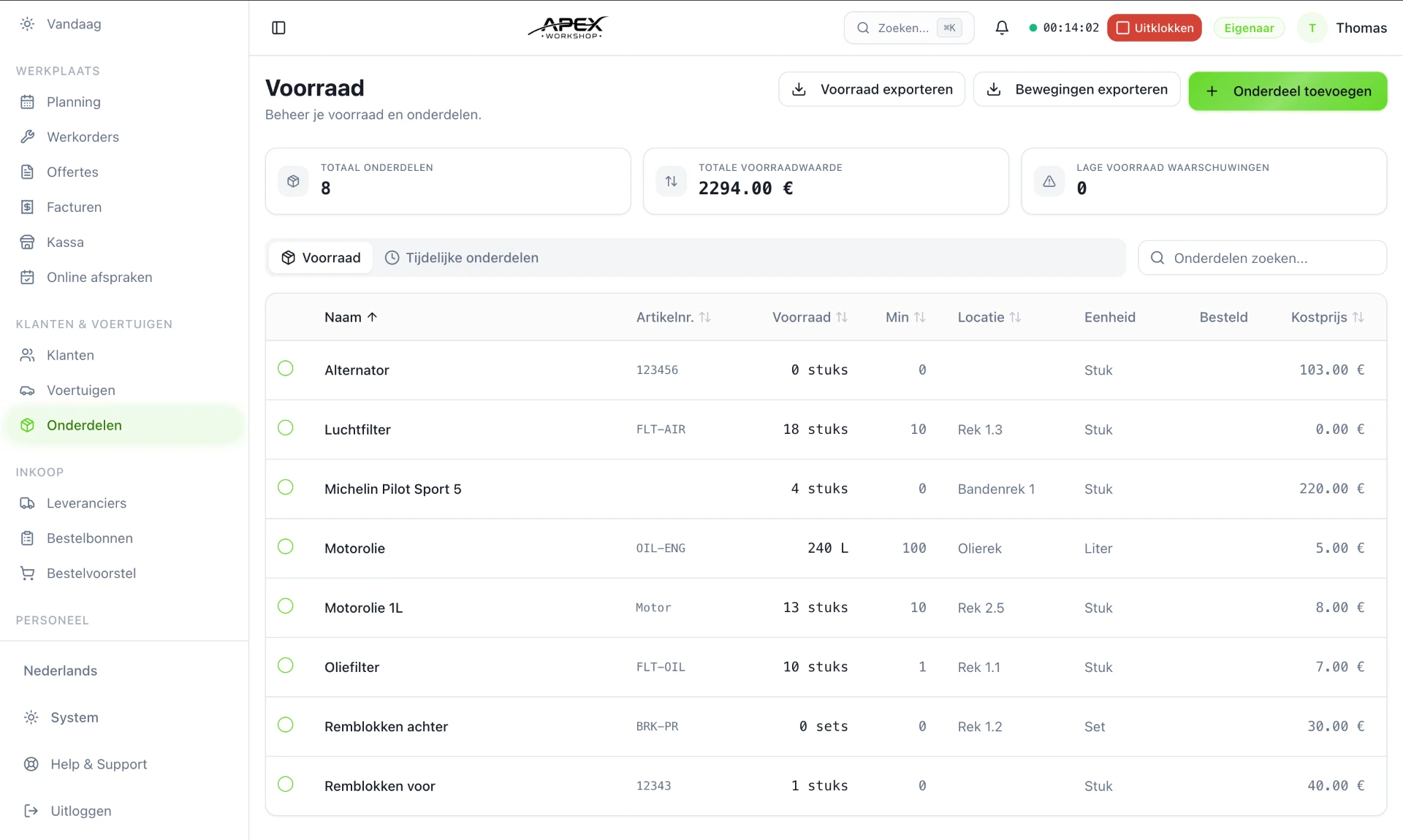
With inventory management in APEX Workshop you know which parts are in stock, what needs ordering and which part was used on which work order — without separate Excel lists.
Parts with reference, supplier, price and barcode data
Minimum stock with reorder advice as soon as you drop below the threshold
Usage flows automatically to the work order and the invoice
No credit card required. Every feature is included.
Parts and inventory
The problem: nobody knows exactly what is in the stockroom
In many garages, inventory is whatever is on the shelf and whatever someone remembers. A car sits waiting because a filter has run out, an ordered part has been lying at the back for two weeks, and at the end of the month some of the parts used never made it onto an invoice.
Register and track parts
Every part gets its own record with reference, description, supplier, purchase and sales price and barcode data. For each part you see the current stock and what has happened to it recently.
Reference and description
Purchase and sales price
Supplier per part
Barcode data
Current stock
Stock movements
Minimum stock instead of surprises
Set a minimum stock level per part. When stock drops below it, the part appears in your reorder advice. That way you order based on real usage, not gut feeling.
From shelf to work order to invoice
A mechanic adds the used part to the work order. Stock goes down automatically and the part is ready to appear on the invoice. You only enter the same information once.
Reports on value and usage
Reports show what your inventory is worth and which parts move through the workshop most often. Useful for deciding what to keep in stock and what to order per job.
What it looks like in practice
A customer comes in for a major service. The mechanic opens the work order on a tablet, adds oil, an oil filter and an air filter from stock and starts the timer. The oil filter drops below its minimum stock and automatically appears in the reorder advice. At the front desk, the invoice is already prepared with the right parts and hours.
From part to invoice in four steps
01
Create the part with reference, supplier and price.
02
Set a minimum stock level so you reorder in time.
03
Add the part to the work order; stock updates itself.
04
Prepare the invoice with the parts and hours used.
Starting with APEX or switching from another system? I’ll guide you personally and come to your workshop, by appointment. Feel free to mention it in your message.